

Description
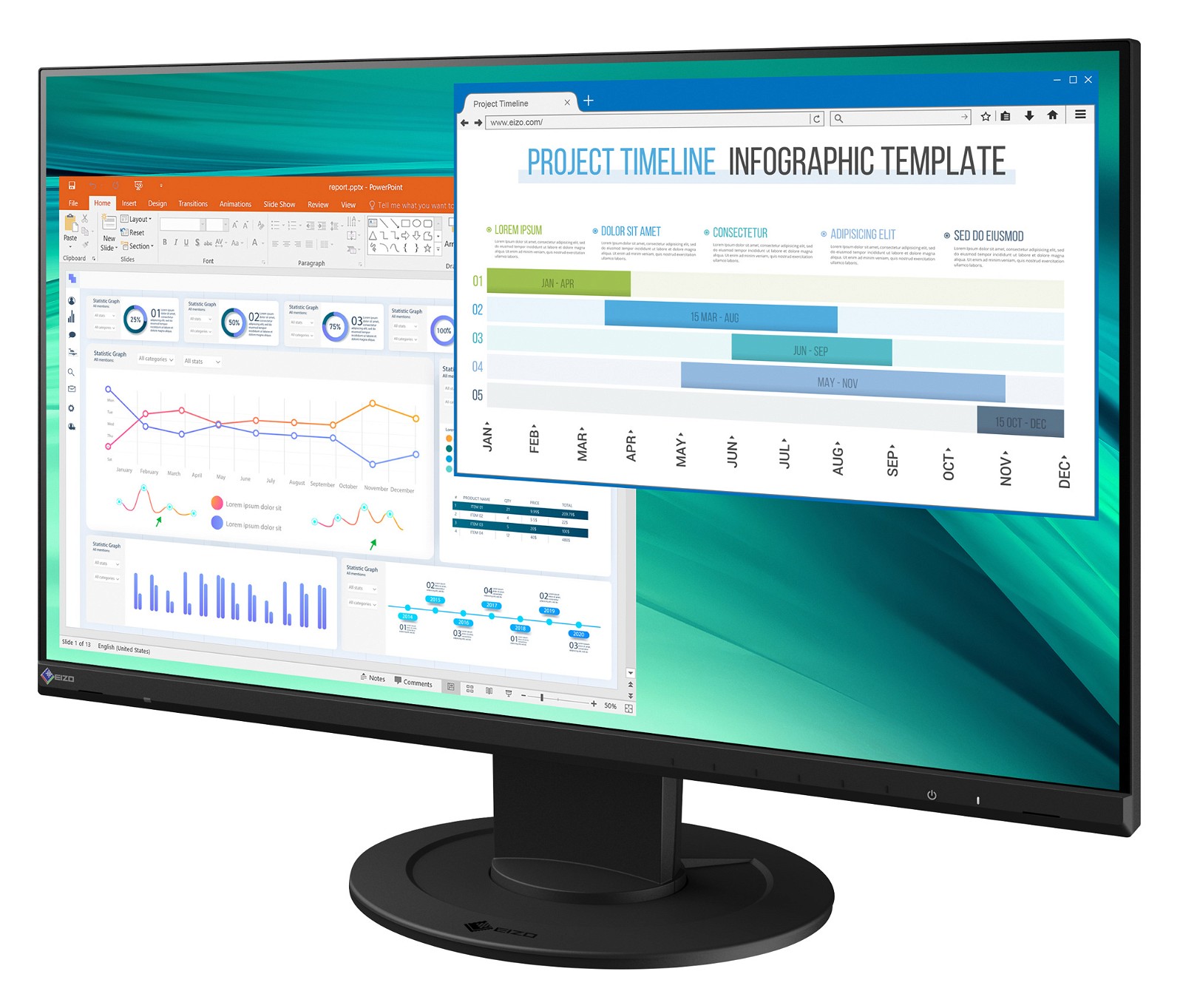
An Office Monitor With A Small Footprint, for a Large Work Place
One office monitor, many ports
More flexibility thanks to a variety of connections. Whether you are talking about a docking functionality, a multi-screen solution or connecting an external device, we provide a wide range of ports that allow you to easily integrate your new office monitor into a broad range of office environments and workflows.
It doesn’t get simpler than this: Most end devices, such as PCs, laptops and cameras, can be connected directly to the monitor, thanks to its wide range of signal interfaces. The screen also features four USB type A 3.1 ports. This allows different devices such as mice, keyboards and headsets to be connected. This makes your everyday work easier and guarantees a tidy desk.

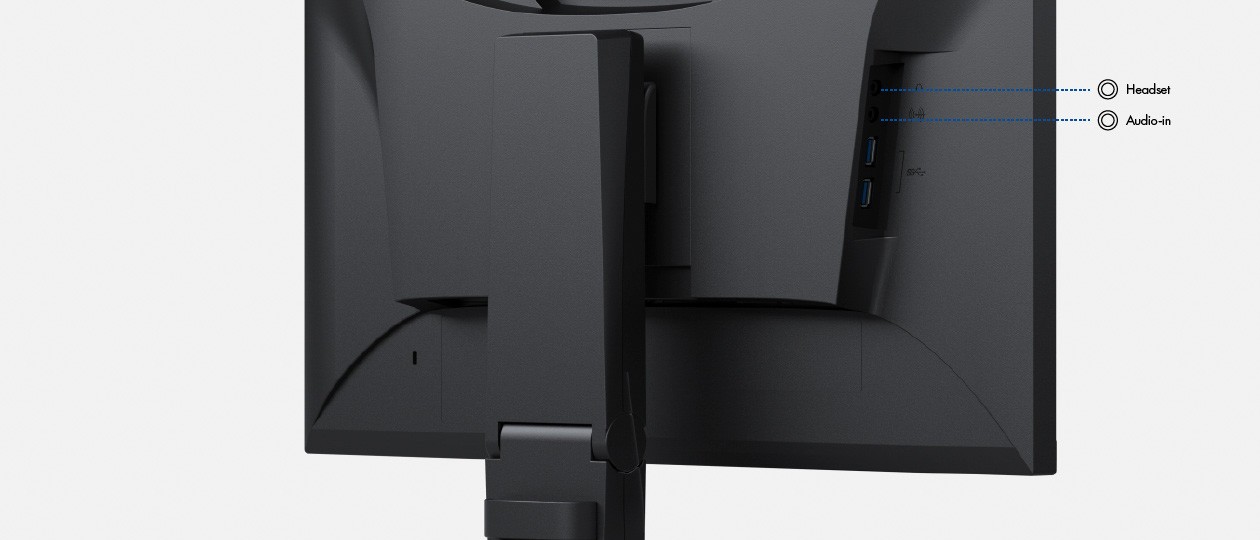
Image Quality
Maximum image quality thanks to the IPS panel
The office monitor is capable of all three key elements of excellent image quality: excellent resolution of 1920 x 1080 (Full HD)pixels, maximum contrast of 1000:1, and stable brightness of up to 250 cd/m². That means you will experience razor-sharp text contours, brilliant graphics, and clear images. Thanks to the high-quality IPS panels with LED backlight, contrasts and colours remain stable from every viewing angle.
Precise colour control
An image can only be perfect if the colours are, too. This is why EIZO office monitors have a 10-bit look-up table at a minimum, which allows the colour information to be assigned much more precisely than with conventional 8-bit LUTs. The finest colour gradations ensure that gradients are always perfectly displayed, while also offering customised adjustment options. For example, you can adjust the white balance from 4000 K to 10000 K in 500-K intervals.
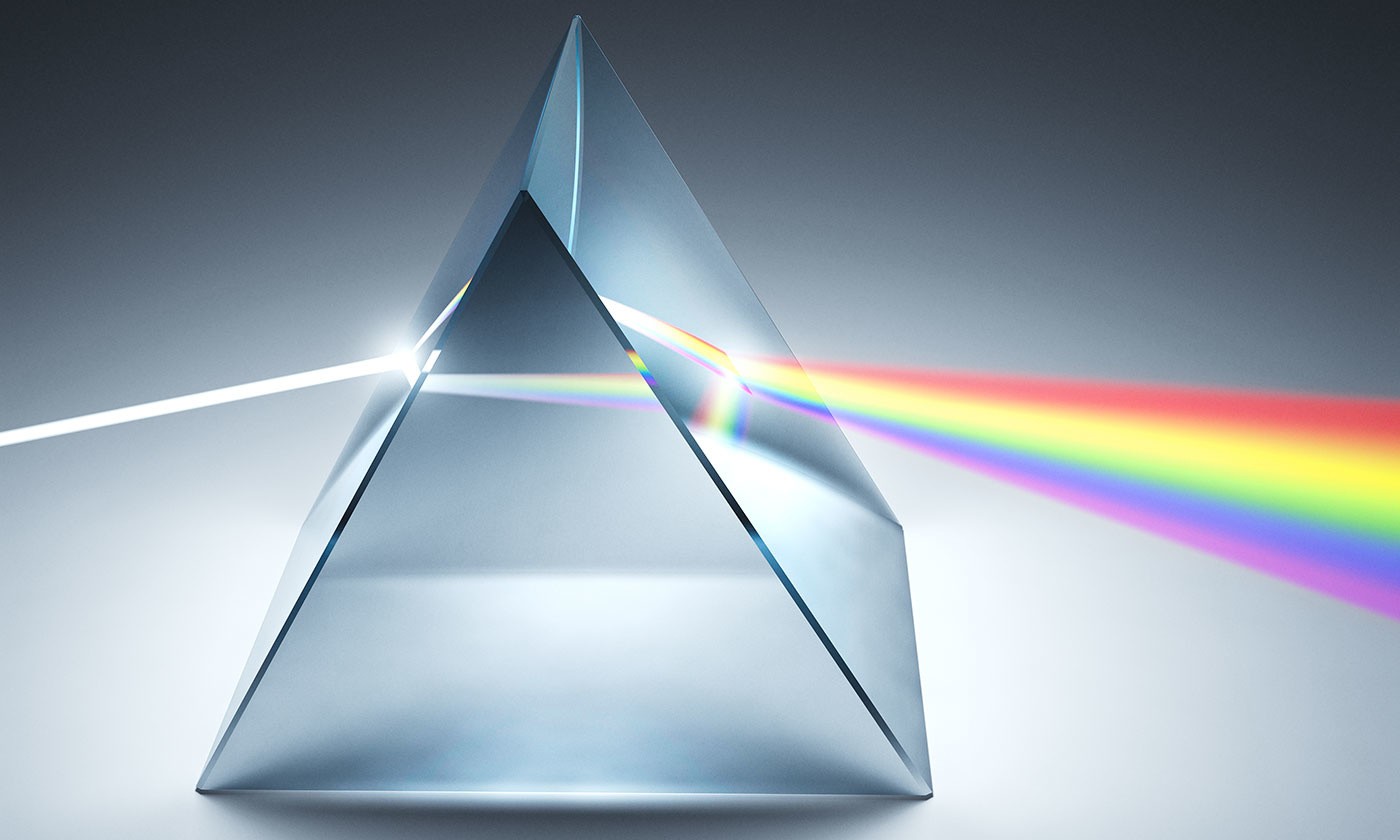
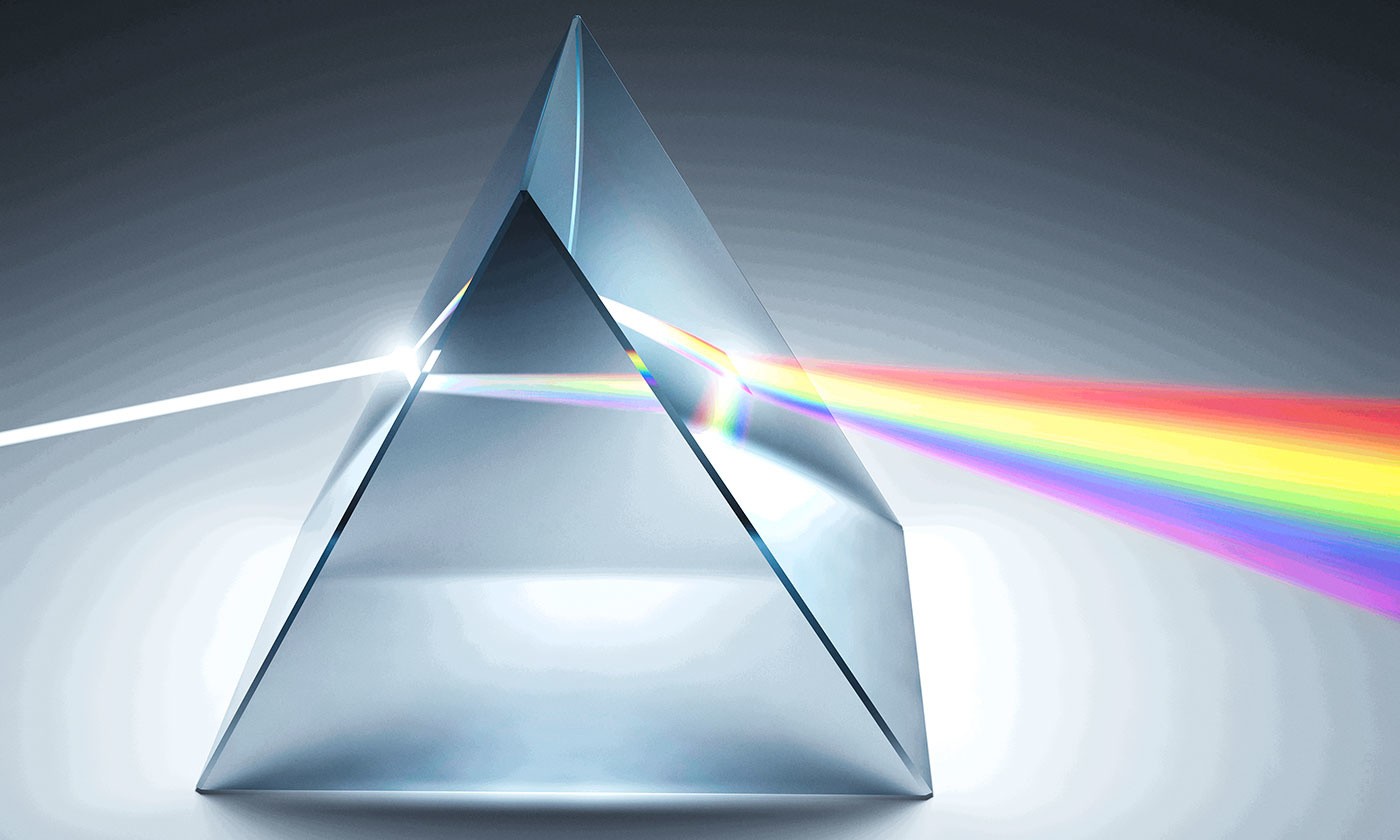
Look up table with 8 bit
Overdrive to quickly change images
The overdrive function on this office monitor accelerates switching time so that the grey-grey change takes only 5 ms on average. You can watch films and rapidly changing images without annoying afterglow.
Elegant Design
FlexScan office monitors are an attractive addition to any office. Their sleek, compact design is elegant and the ideal size. The virtually frameless models are the perfect choice for multi-screen solutions and also look great as a stand-alone monitor, all while offering maximum usability.
The monitor’s appearance can be the key to creating a pleasant working atmosphere. Whether you are at home or in the office, the monitor’s virtually frameless design and ergonomic functionality allows it to fit naturally into your workplace environment. The housing is available in both an elegant black and in white, with matching white cables.
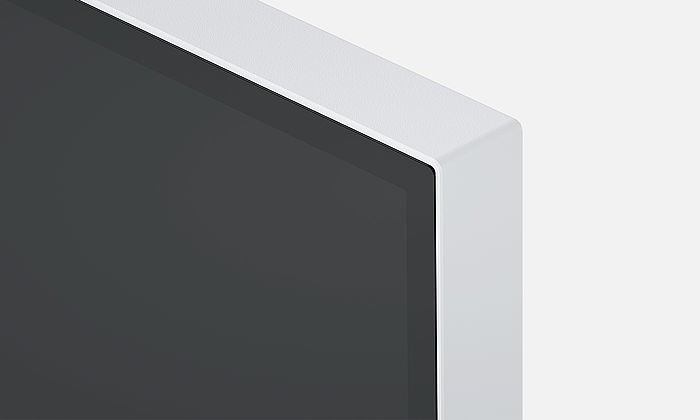
Controls integrated into bezel
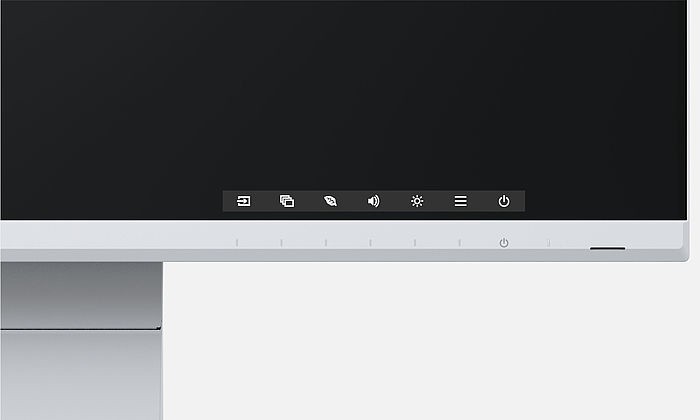
Electrostatic switches are integrated into the front of the EV2460 instead of mechanical buttons. This ensures ease of use while also giving the monitor an extremely elegant look. The speakers and all the controls are also built into the bezel, pointing forward in the direction of the user. They are fully integrated into the office monitor’s flat, nearly frameless design to offer an excellent user experience.
Ergonomics
FlexScan office monitors ensure computer workstations are more ergonomic. In addition to alleviating eye and back strain, the monitors also meet the user’s unique requirements. This is because we don’t believe that you should have to adjust to your workstation – your workstation should adapt to your needs.
Save electricity and your eyes with Auto EcoView
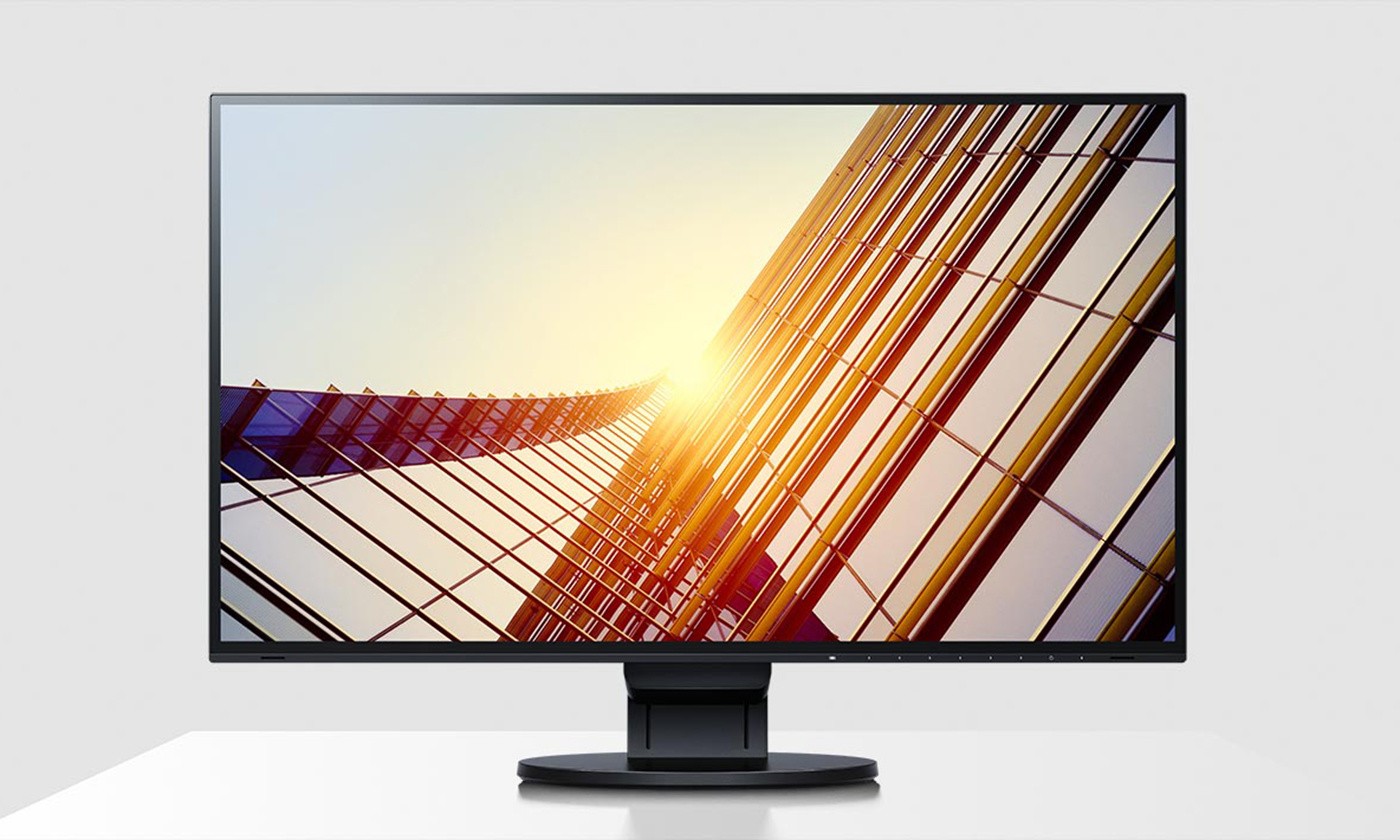
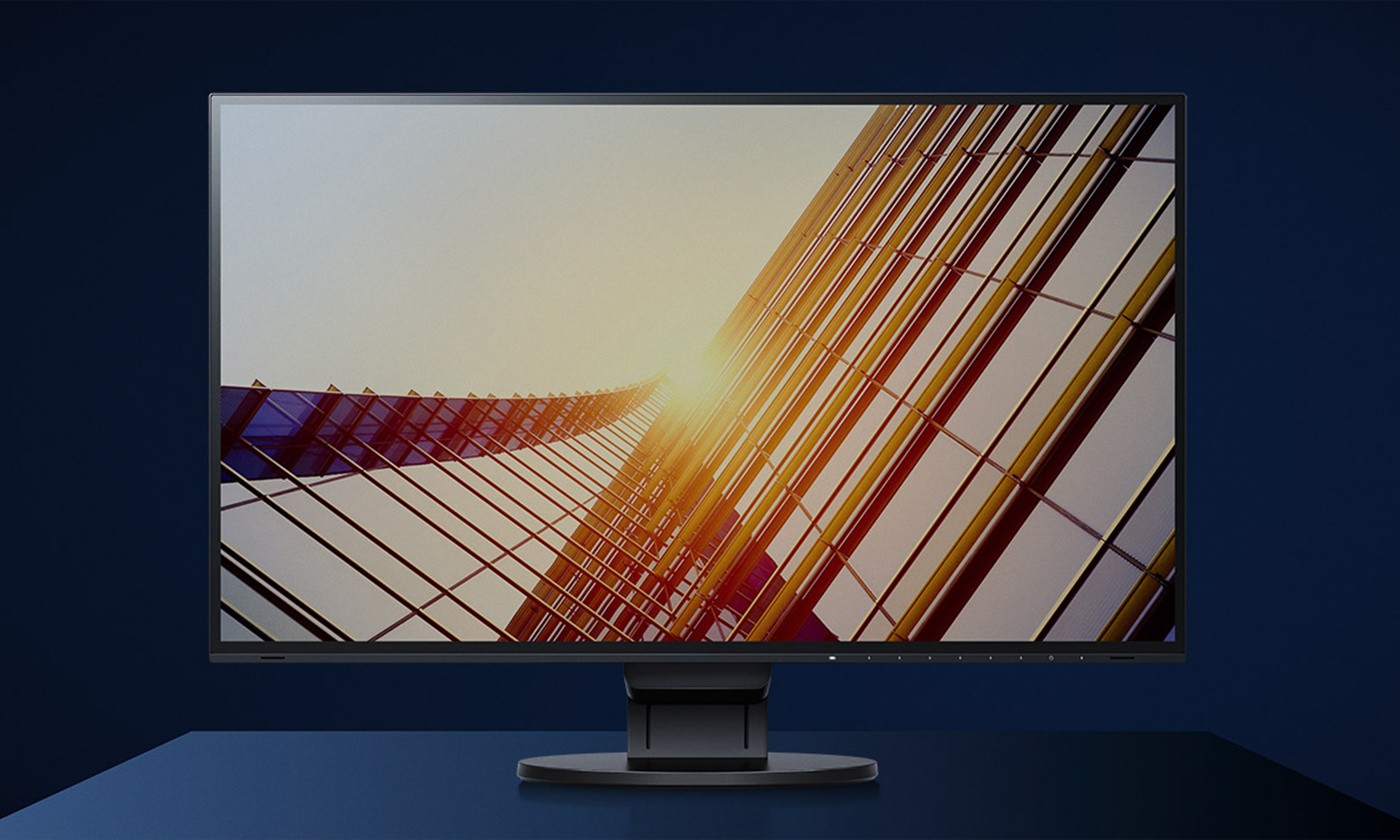
Another advantage: Thanks to the automatic brightness adjustment, you will save up to 50% of your electricity costs in comparison to a monitor that is permanently operated at maximum brightness.
Of course, you can also continue to configure the office monitor manually. EcoView Index is used for orientation on how environmentally friendly and economical your settings are.
During the day
In the evening
Flicker free: for the sake of the eyes
To help protect your eyes, EIZO has developed a hybrid technology to control the backlight. This combines the benefits of the otherwise standard PWM (pulse width modulation) and DC (direct current) control. The PWM control uses much higher frequencies than standard PWM methods.
The result: a flicker-free viewing experience while maintaining picture quality and colour stability. In addition, compared to pure DC control, you can adjust the brightness to less than 1% of the maximum value in darkly lit rooms. The benefit: Your screen remains free from glare even under these conditions.
The flicker-free and low blue light content of the EIZO FlexScan office monitors is certified by TÜV Rheinland.

EIZO FlexScan

Other monitors
Anti-glare coating: more image, less reflection
The EV2460 FlexScan office monitor offers a perfect, non-glare surface. By minimising glare by diffusing the reflected light, the EV2460 effectively protects your eyes from straining. This keeps your eyes from getting as tired and allows you to sit comfortably in front of the monitor, without having to sit in a forced position to prevent glare.
Flexible base
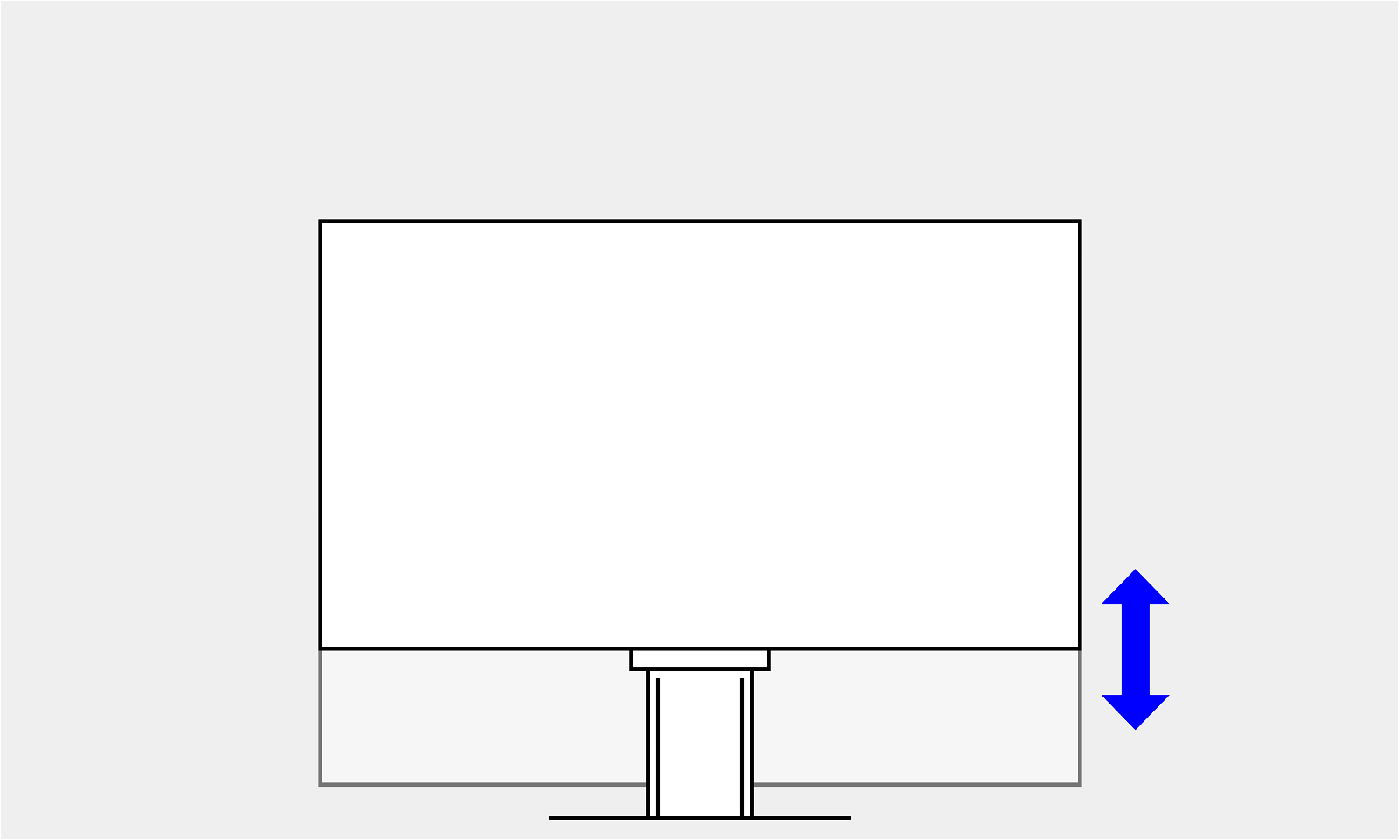
Ergonomic and stable: the adjustable stand focuses on ergonomics. You can rotate, swivel and tilt the office monitor stand until you find the most comfortable setting for your back, neck and sitting posture. It features continuous height adjustment and can be lowered almost to the base plate of the stand, enabling you to position the top image line ergonomically right below your eye level.
Height
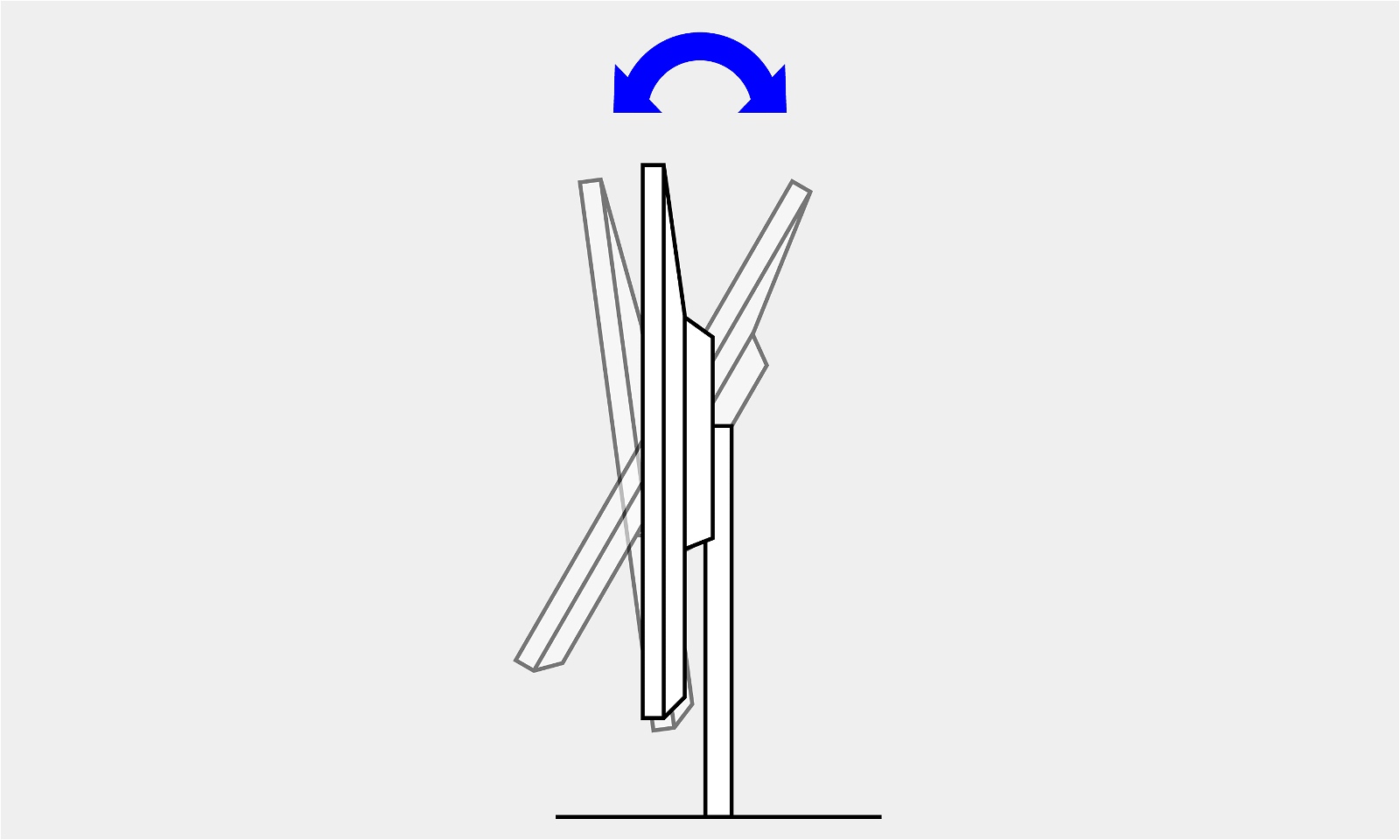
Tilt
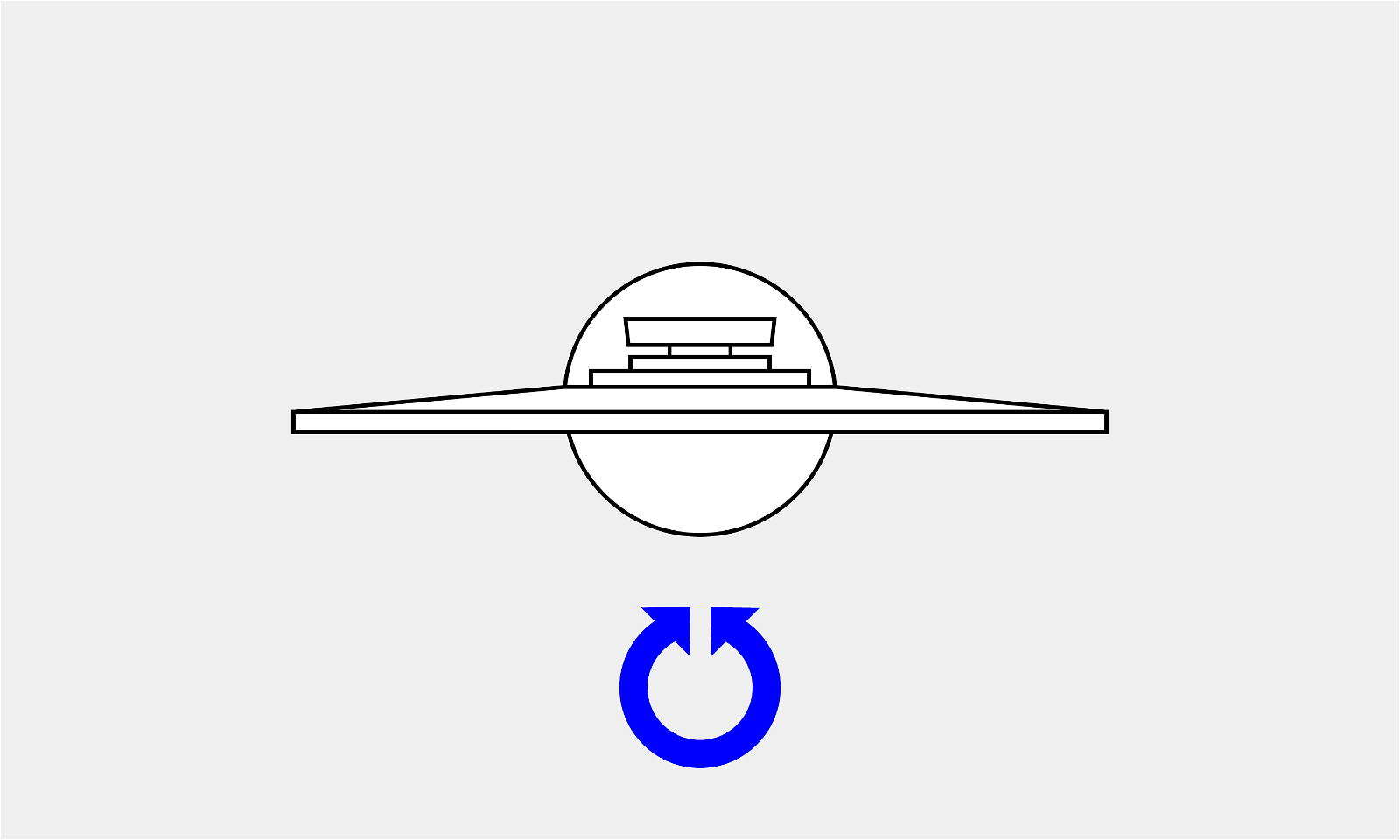
Swivel
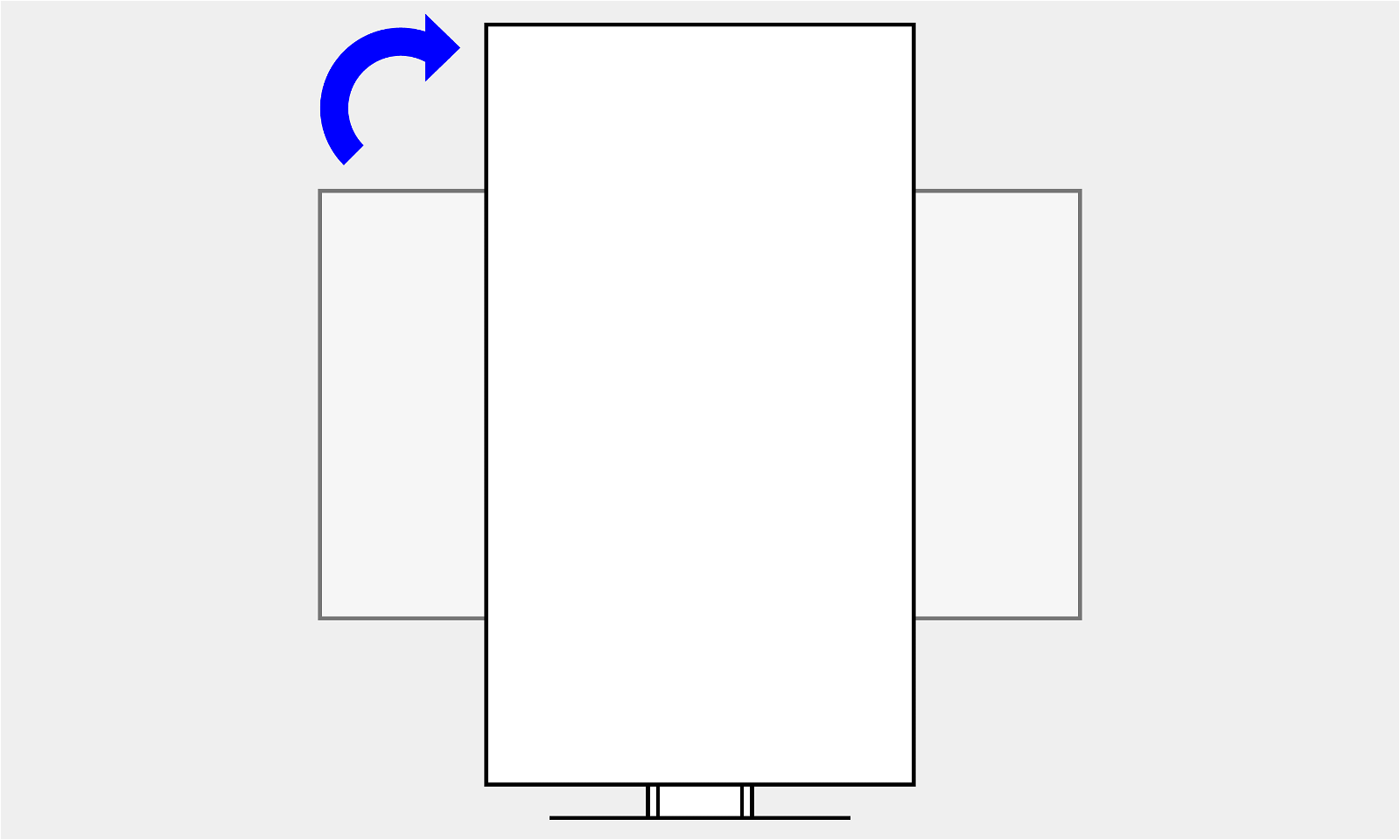
Rotation
Software
Impressive features mean greater comfort. Our intelligent software solutions and intuitive controls enable you to easily manage your settings as well as operate and deploy the display as a single-screen or multi-monitor solution at work each day.
Preset colour modes: optimised display at the touch of a button
Pre-set colour modes optimise the viewing of images, texts or films. Because it makes a difference whether you are watching a film, editing a picture, surfing the net, or writing texts. At the touch of a button, you set the respective pre-set for brightness, gamma correction and colour temperature. For example, the Paper mode simulates the pleasant contrast of printed paper, which is easy on the eyes when reading and prevents fatigue.
Operation made easy thanks to the Button Guide
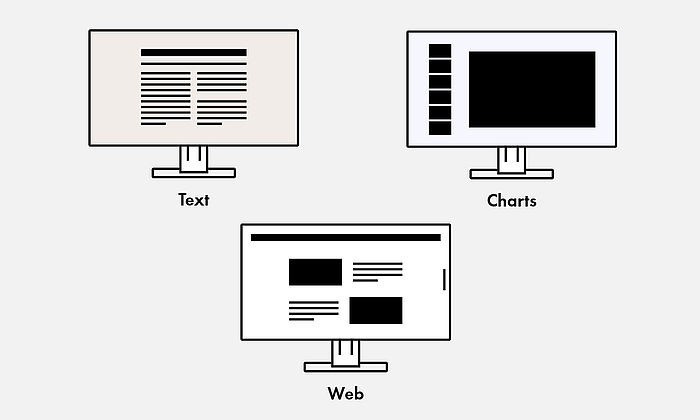
Pre-set colour modes
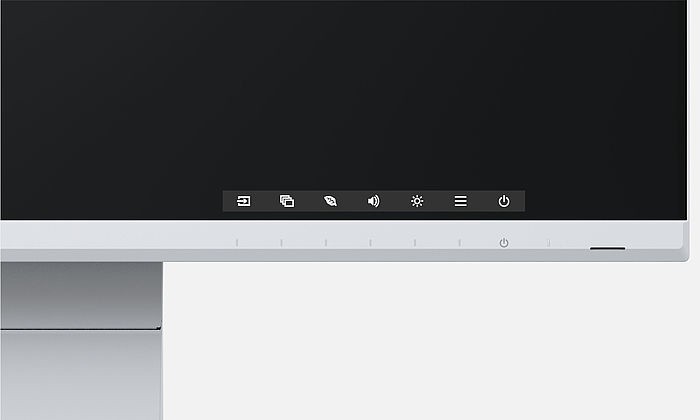
Button guide
Screen InStyle
In addition to the on-screen menu, you can conveniently control the EV2460 Flexscan office monitor by using the Screen InStyle software on a Windows PC. The configuration options include colour reproduction, energy saving options, and ergonomic functions. In multi-screen systems, the settings can be applied synchronously to all connected screens with Screen InStyle.
System administrators can centrally manage and control monitors connected in the network with Screen InStyle installed using the Screen InStyle Server application. This optimises power consumption and simplifies asset management of the monitors.
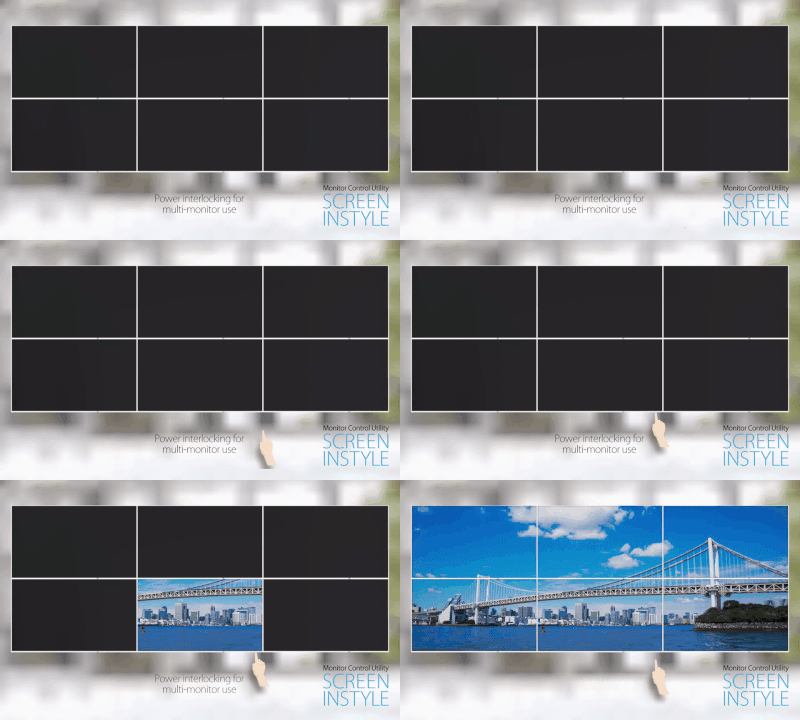
Energy saving options
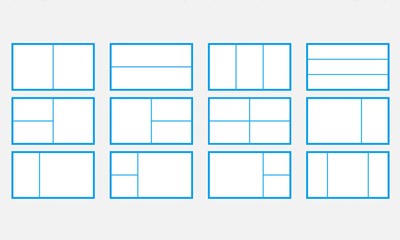
Screen layout function
Monitor Configurator for company-wide office monitor setting
Workload reduction for administrators: The software allows you to create a default setup for all relevant monitor settings. This setup can be distributed to the connected monitors via the local network which facilitates the roll-out process.
Want to know more? Contact our specialist team.